
Diamonds is FEM software. That means the structure will be chopped into smaller pieces ( = the mesh), that are logically linked together. To generate the mesh:
- Click on
 or go to the menu ‘Analysis – Mesh‘.
Don’t forget to verify the mesh once you’ve created it. The quality of the results goes with the quality of the mesh. Garbage in = garbage out.
The following dialogue appears:


Plates
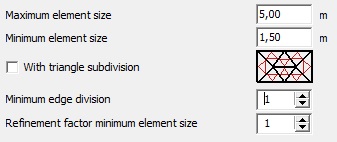
- Maximum element size: 3 to 4 times the plate thickness
The maximum element size determines the general fineness of the mesh.Maximum element size: 1,0m Maximum element size: 0,8m Maximum element size: 0,6m 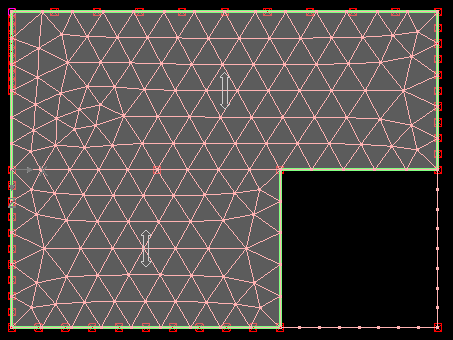
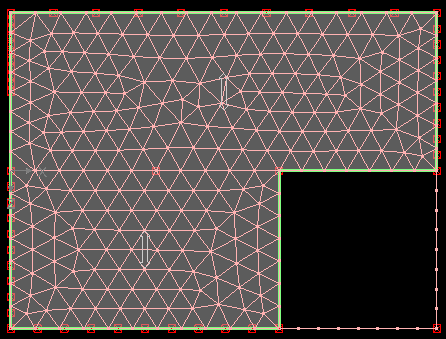
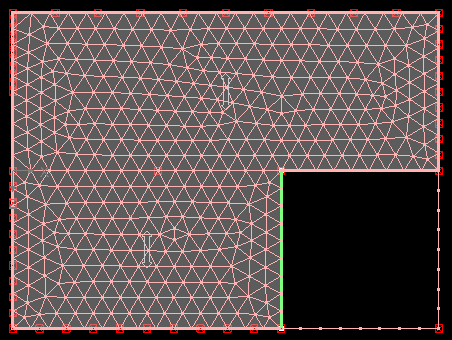
- Minimum element size: 1,5 to 2 times the plate thickness
The minimum element size determines the fineness of the mesh around small lines and points that are very close to each other.
Never set the minimum element size equal to the maximum, because then you do not give the meshing algorithm any leeway to create a good mesh.
Be careful with a minimum element size of 0m. This can lead to high concentrations of small mesh triangles, especially if your model contains a lot of details. In that case, it is better to set the minimum element size slightly higher and/or remove the details in the geometry.
If your model contains plates of different thicknesses, take the average thickness.
Advanced mesh parameters
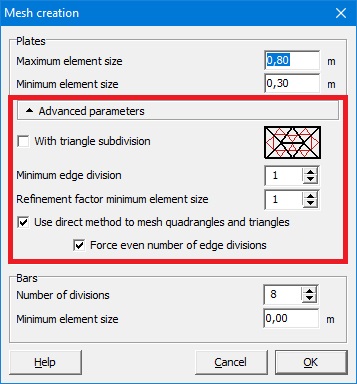
These parameters are hidden for a reason: only in specific cases it is relevant to change them!
- With triangle subdivision
Checking this option will create a smaller mesh with unmodified minimum and maximum elements sizes by connecting the mid points on each mesh triangle side.
Without triangle subdivision With triangle subdivision 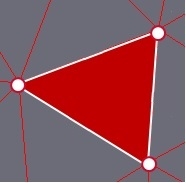
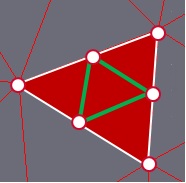
In times when it took a while to generate this mesh, this option had his advantages. But in current times this option has less advantages, because badly chosen min/max element size will result in an even worse mesh when you check this option. If you want a smaller mesh, simply change the min/max element size. In calculation time it will not make a difference, but in the quality of the result it will.
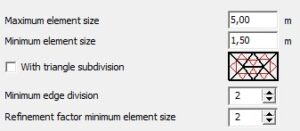
- Minimum edge division (= the number of mesh points along the border of a plate/wall) and refinement factor (= the number of mesh point in the field of a plate/wall)
A good mesh size for the floors, can be too coarse for some walls. Setting the mesh size smaller, will give a good smaller mesh in those walls, but will be too fine in the floors. By increasing both parameters simultaneously, you can obtain a good mesh those smaller walls.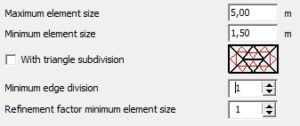
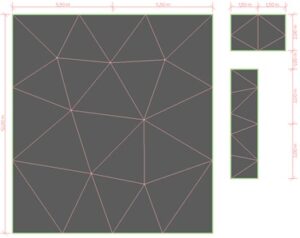
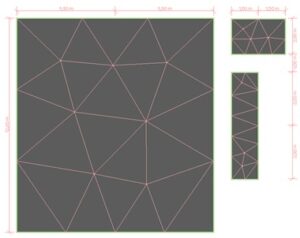
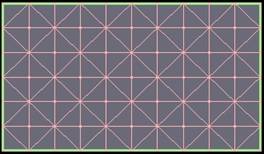
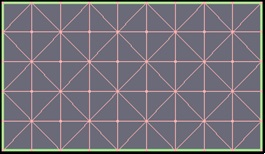
- Options to determine the mesh algorithm
 (default option)


Bars
- Number of divisions: 8 recommended
A beam is simply supported and loaded with self-weight. The shape of the moment line is parabolic. The table below shows the moment line in relation to the number of mesh divisions:2 divisions 4 divisions 8 divisions 16 divisions 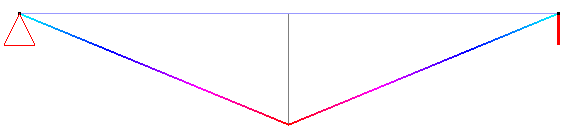

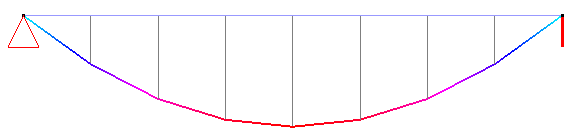
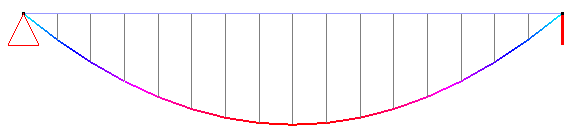
- With 8 divisions the parabolic shape is well approximated.
- With more divisions the calculation time will increase, while the results don’t benefit.
Only for an isolated beam on an elastic foundation, it can be meaningful to request more divisions (see this example). - With less divisions the calculation time will decrease, but the parabolic shape will be less detailed.
In larger models (with bars mainly loaded with axial force), the number of divisions can be set 4 or 6 divisions to limit the calculation time.
- Minimum element size: 0,1m recommended
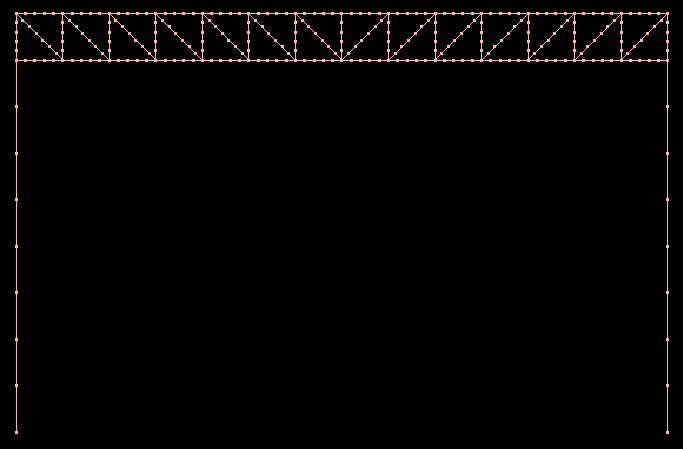
With the minimum element size, you can request less divisions in shorter bars. Imagine you have a frame consisting of long columns and a truss girder that itself consists of short bars.8 divisions + minimum element size: 0,0m 8 divisions + minimum element size: 0,1m 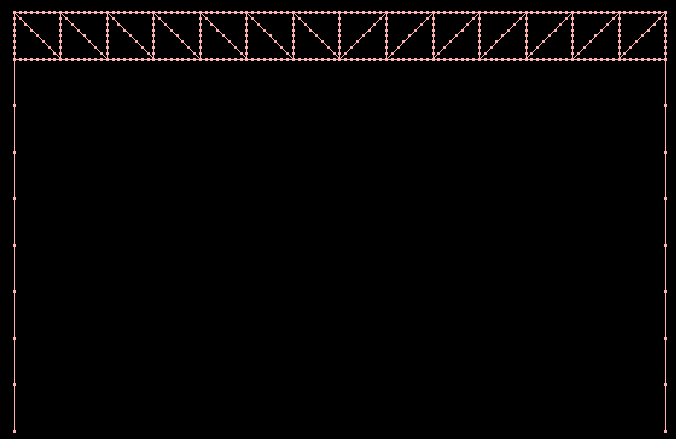
- With a minimum element size equal to 0,0m, all bars have the same number of divisions (8), regardless their length.
- With a minimum element size equal to 0,1m, the number of mesh elements in the shorter beams is reduced. Resulting in less calculating time. Since the complete behaviour of the truss is important and not the behaviour of every bar separately, the mesh shouldn’t be so detailed.
