
To make (or cancel) a group for defining trapezium loads:
- Select the relevant bars.

- Select the group ‘Loads’.
Click on to group (or on
  to ungroup).

The grouped bars are consistently drawn in a continuous way while the ungrouped bars are drawn discontinuously (at their ends).
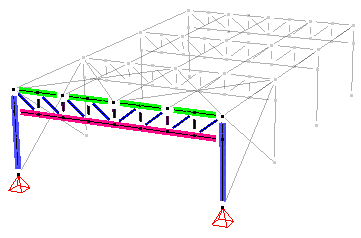
- Select relevant bars and click
 on to define a line load.
Enter the desired values and check the option ‘Rescale physical elements’.

- Result
| Result with physical groups | Result without physical groups |
|---|---|
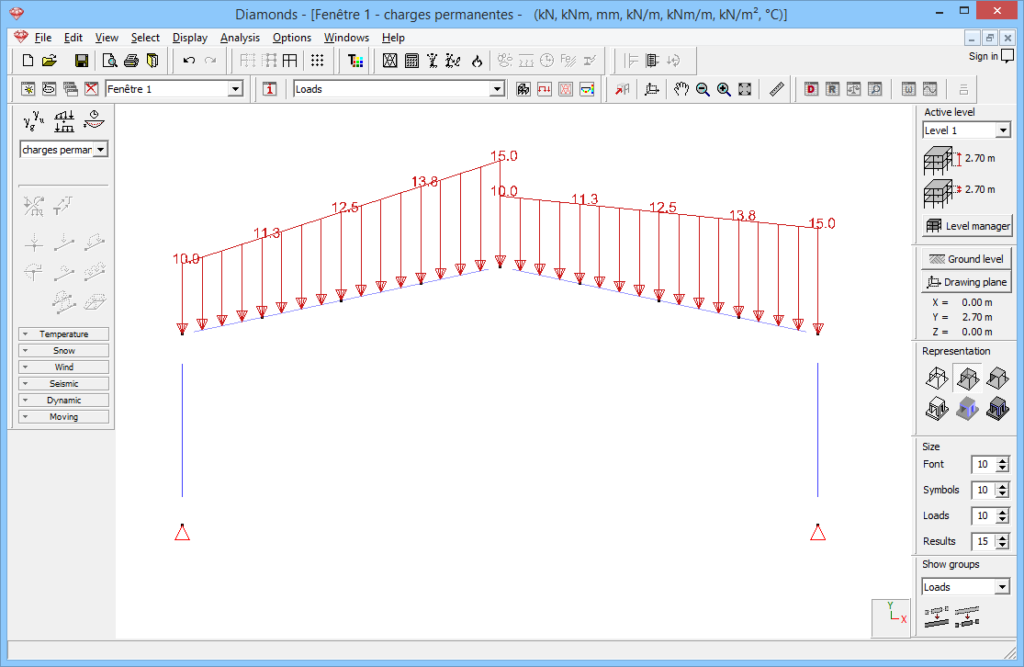 | 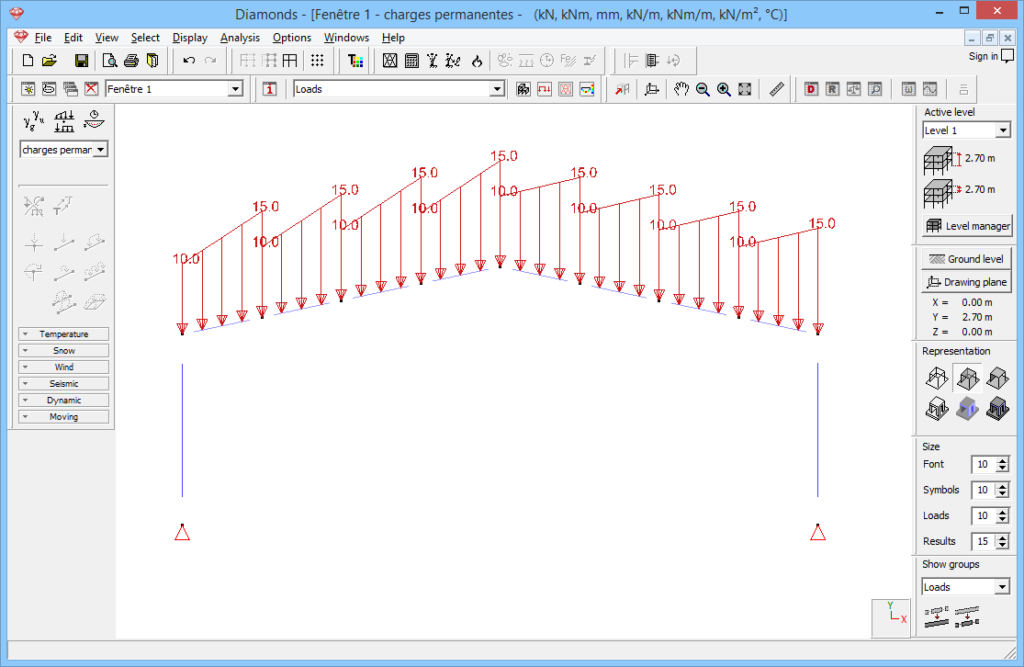 |
