
To make (or cancel) a group for geometry operations and defining eccentricities:
- Select the relevant bars.

- Select the group ‘Physical’.
Click on to group (or on
  to ungroup).
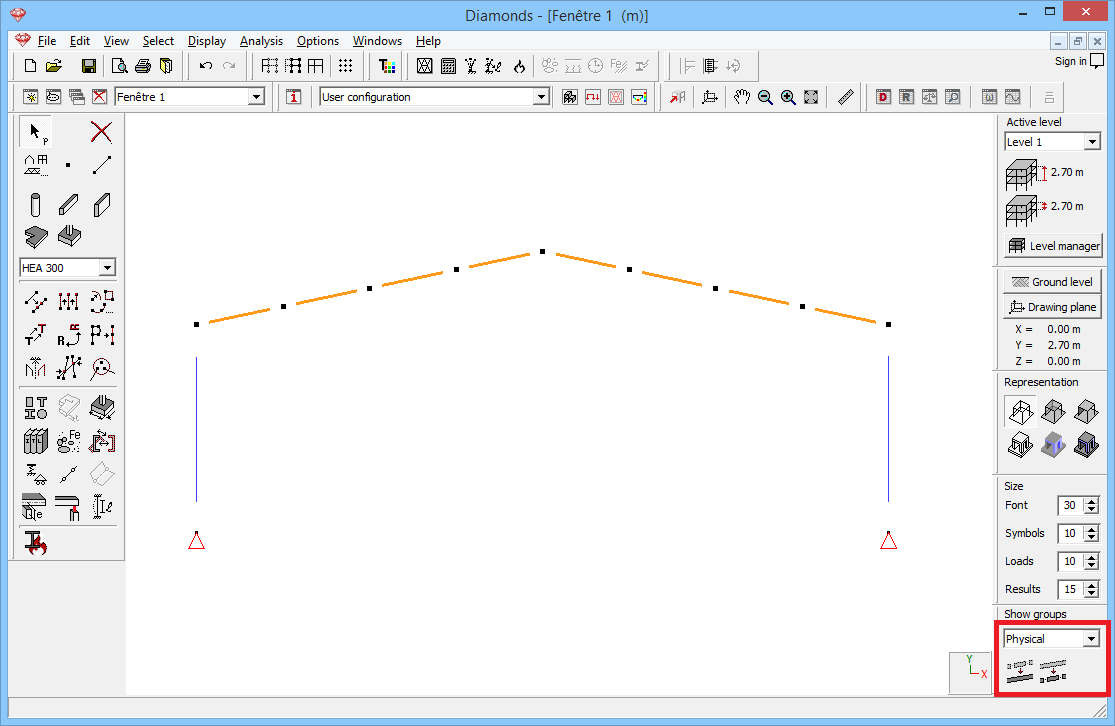
The grouped bars are consistently drawn in a continuous way while the ungrouped bars are drawn discontinuously (at their ends).
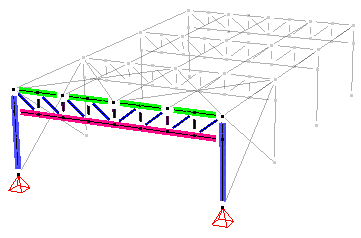
- Select the elements to be moved and start the Translation function
 .
.
Enter the desired movement and check the option ‘Rescale physical elements’.

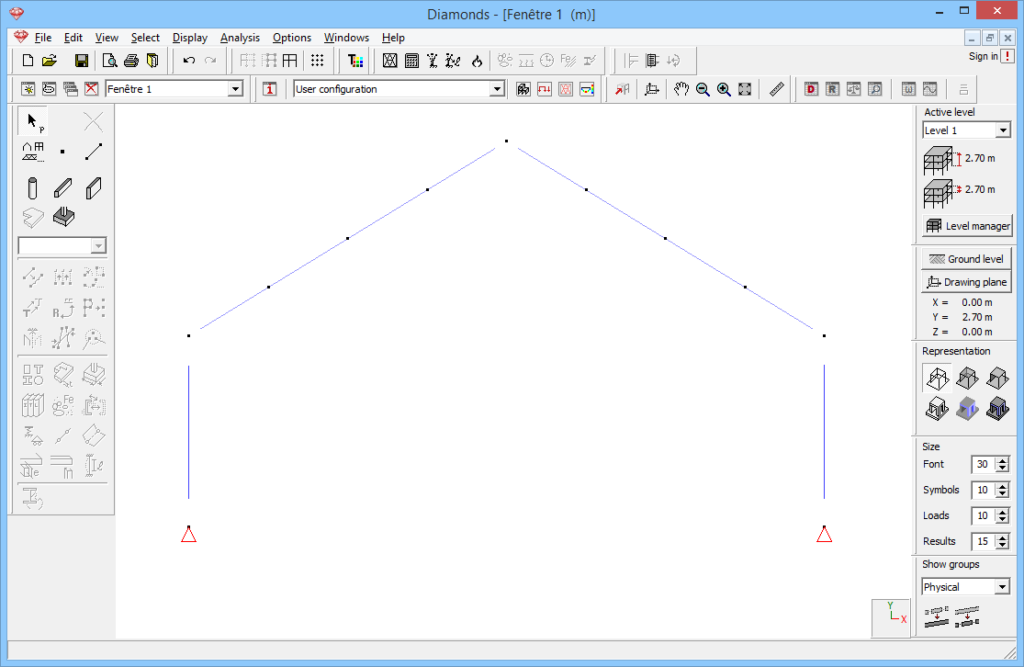
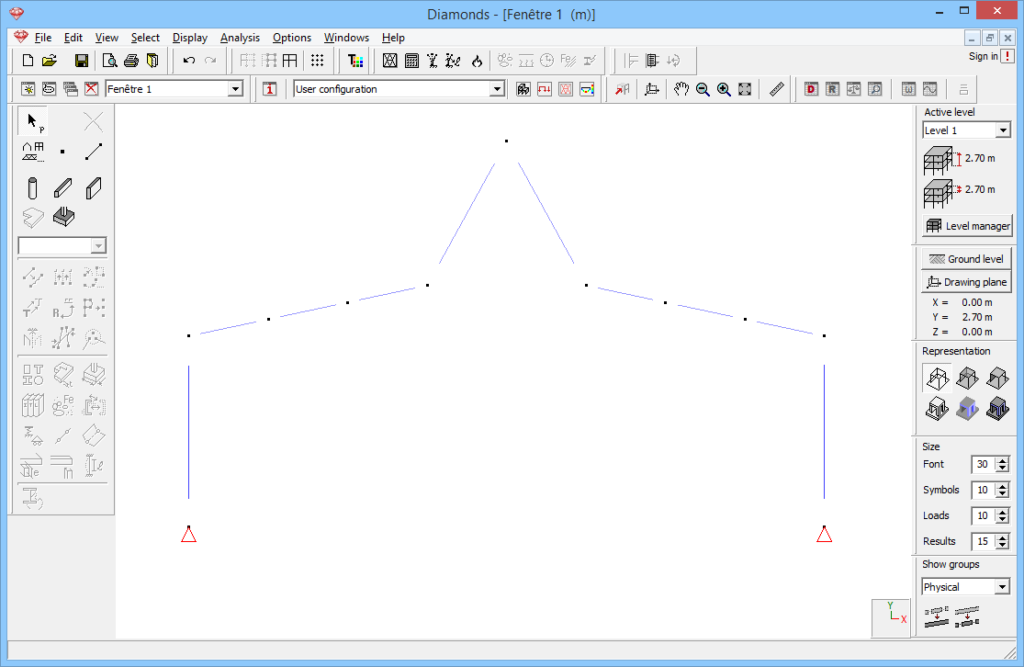
- Result
| Result with physical groups | Result without physical groups |
|---|---|
 |  |
