

In order to keep the presentation of the different working modes (Geometry, Loads, Analysis & Plot) of the model view clear, you can indicate which parameters you want to display in those working modes.
To change the parameters to be displayed, either go to the menu ‘Show – Data general’, or click on  .
.
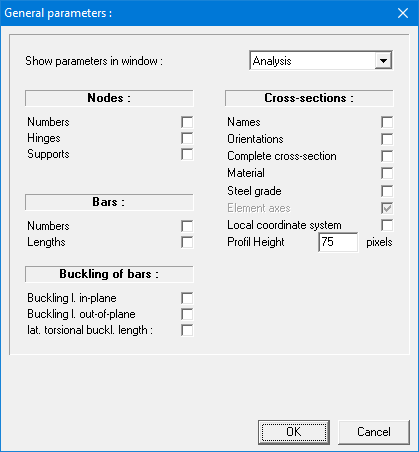
The pull-down menu at the top indicates for which operating mode the options shown apply. By default, this pull-down menu refers to the active working mode.
All indicated parameters remain valid for subsequent sessions of 1•2•Build.
