Preferences
You can change a number of preferences by selecting the menu ‘Edit – Preferences‘.

- General
- The “Black background” option will give all model windows a black background.
- Nodes are normally indicated by a small square, but this can be omitted if desired.
- The last option will display the data (such as the section name) parallel to the bar axis.
- Results
- You can save a file with or without results by checking or unchecking the box.
- Fly-over snap
- The intelligent cursor ensures that the cursor snaps to existing nodes and bars when the cursor comes close to them. You can disable the intelligent cursor and also set its precision.
- Type of building
- The building type determines the combination coefficients to be used for the live loads. This variation is described in Eurocode. If you set this here, 1•2•Build will automatically use the correct coefficients.
Units and decimals
As a user, you are completely free to choose the units and number of decimal places you wish to use for entering model data and for displaying model data and calculation results. These settings can be accessed via the menu ‘Screen – Units and Decimals‘:

Fonts
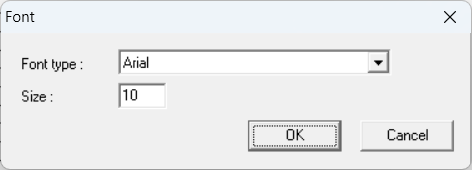
The button  allows you to display data on the model in the model window. You can adjust the font and font size of that data via the menu ‘Screen – Fonts‘.