
- Close all Diamonds projects
- Go to My Documents > Diamonds. Depending on your operating system, the name ‘My Documents‘ can be ‘Documents‘.
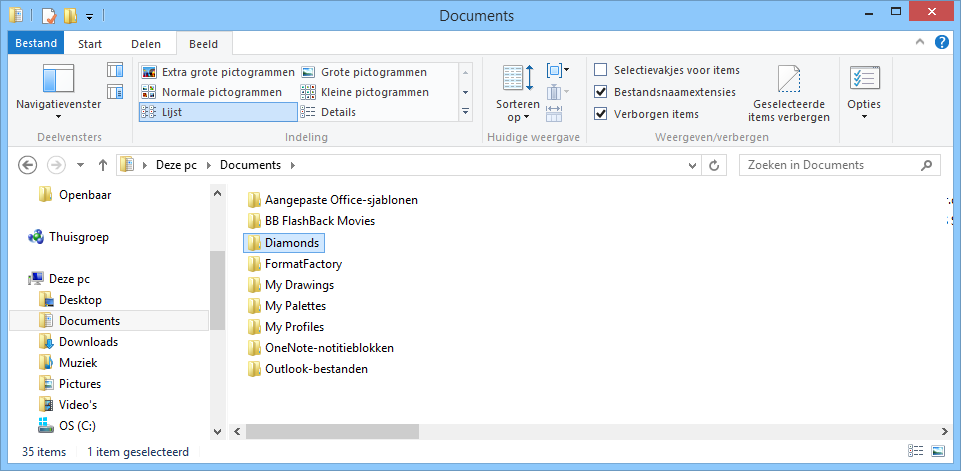
- Change the name of the folder ‘Diamonds’ to something else, ‘Diamonds2’ for example.
- Restart Diamonds. He has to ask you the language. If not, try the solution in this link.
- You may delete the folder ‘Diamonds2’ from your computer, but keep in mind it contains back up files (see solution 3 in this link). We advise you to keep the folder for a few extra months and remove it later.
About the Preferences
‘Preferences’ are settings that are user dependant. The user can choose what suits her/him best, for example:
- Configuration-related settings such as the background color, the color of a point load, whether the supports should be shown, …
- Units and decimals,
- The language
- …
At the first startup of Diamonds, Diamonds takes the default values (stored in the Program Files). When you work with Diamonds, you will customize these settings along the way. These changes are stored in a set of files in the folder ‘Diamonds’ in ‘My Documents’. Each version gets its folder. 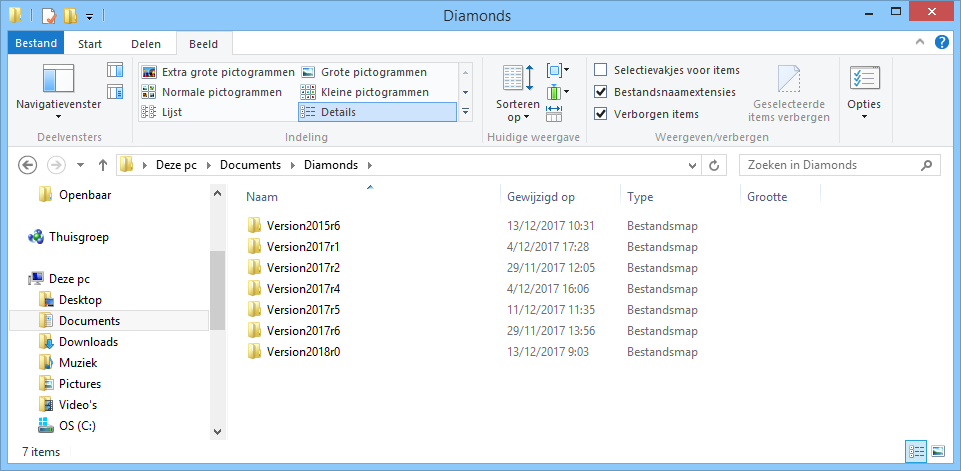
The content of this directory is as follows: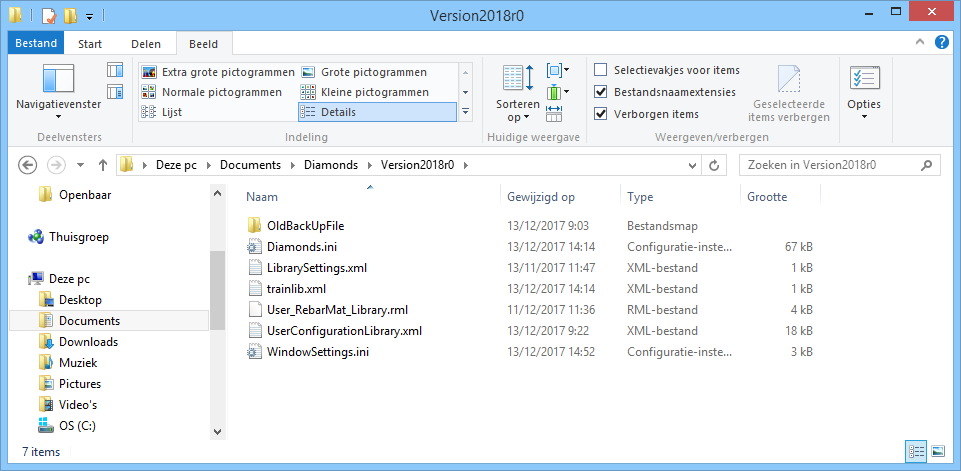
At every start and shut off of Diamonds these files are called / completed. However, sometimes something goes wrong in these files causing Diamonds not to work properly.
