
When you purchase a new Diamonds module and your dongle or cloud license is updated, you must also import it into Diamonds.
Step 1 : Restart Diamonds
There are 3 possibilities here.
- Option a – You see a window where you can select the modules
- Option b – You see “License of module xxx not found”
- Option c – You see no window at start up
Option a – You see a a window where you can select the modules

Solution option a
Select the additional module to load it in this Diamonds session.
Option b – You see “License of module xxx not found”
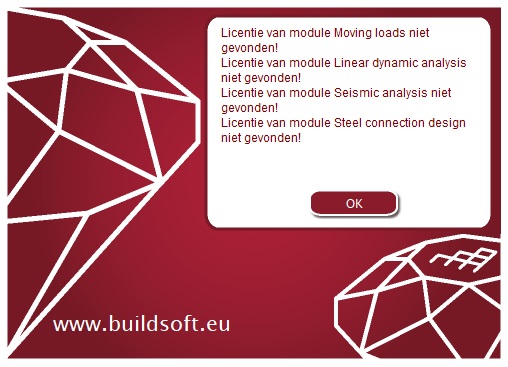
Solution option b
Check if the additional module is present in the list:
- Module is not in the list => The module will be loaded.
- Module is in the list
- Module will expire in x days => The module will be loaded
- Module is not found => contact BuildSoft
Option c – You see no window at start up
Solution option c
- Go to ‘Help > About Diamonds > License info‘.
- Go to the tab page ‘License to use in next session‘.
- Check the additional modules you want to load – at each launch from now on.
- Click twice ‘OK‘ to close the dialogs.
- Restart Diamonds. The changes are now saved.
