
Launch PowerConnect. In the navigation window appears. In this window you select the desired standard and the type connection type.
If you have already an open project, then select “File – New” or the icon. Select the standard ‘Eurocode’.
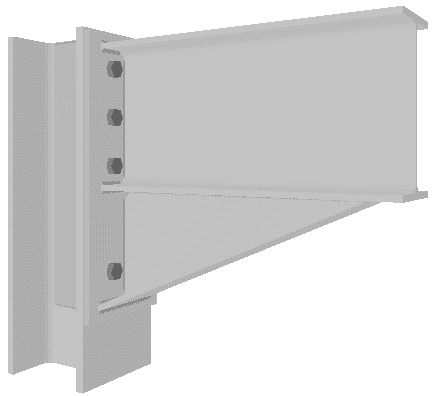
Among the available moment connection types, choose the one labelled “Single-sided beam to column flange”. The labelling will appear when you move the mouse over the available connections.

