
- Go to Gateway Server > Users.
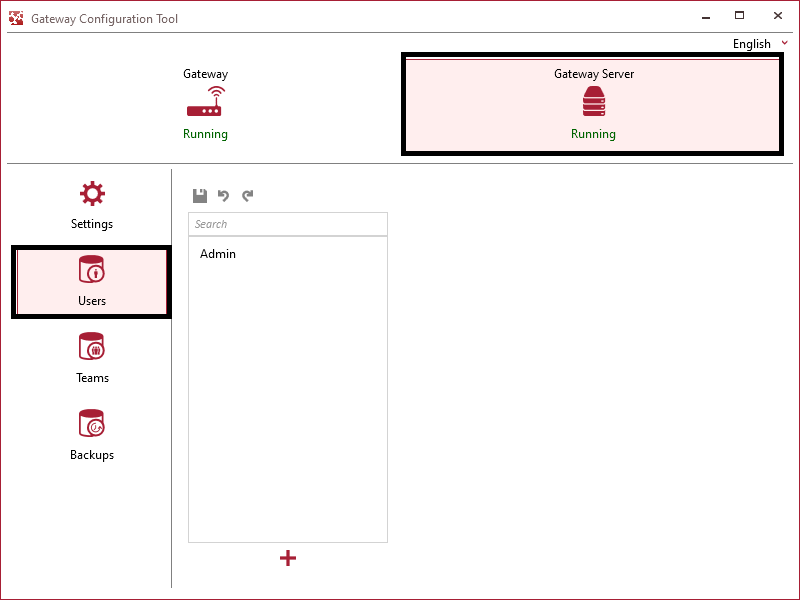
- In the middle of the dialog, you’ll find a list with users. The first user Admin is default present.
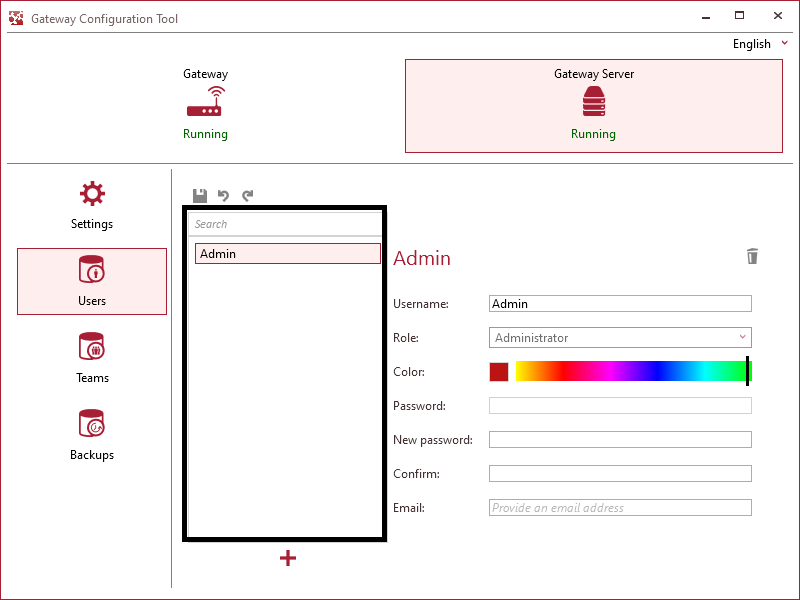
- Each user has
- a username
- a role
The role of the user determines his / her rights on the libraries. For example: a Subscriber will not be able to add a new material to the library.Add/ edit users
Adjust passwordsAdjust libraries Read libraries Administrator ✔ ✔ ✔ Contributor – ✔ ✔ Subscriber – – ✔ Banned – – – - a color
- a password
- an e-mail address
If you want to keep it simple, don’t define passwords (not even for the Admin) and set the role for the other users to Contributor.
- Click on
 to add a new user and on
  to save the changes. With the button
  you delete the seleted user.
How to add users
Need Support?CONTACT SUPPORT
