In the CodeMeter WebAdmin, a license with valid expiry date is displayed in red. While it should be written in black.

Solution 1
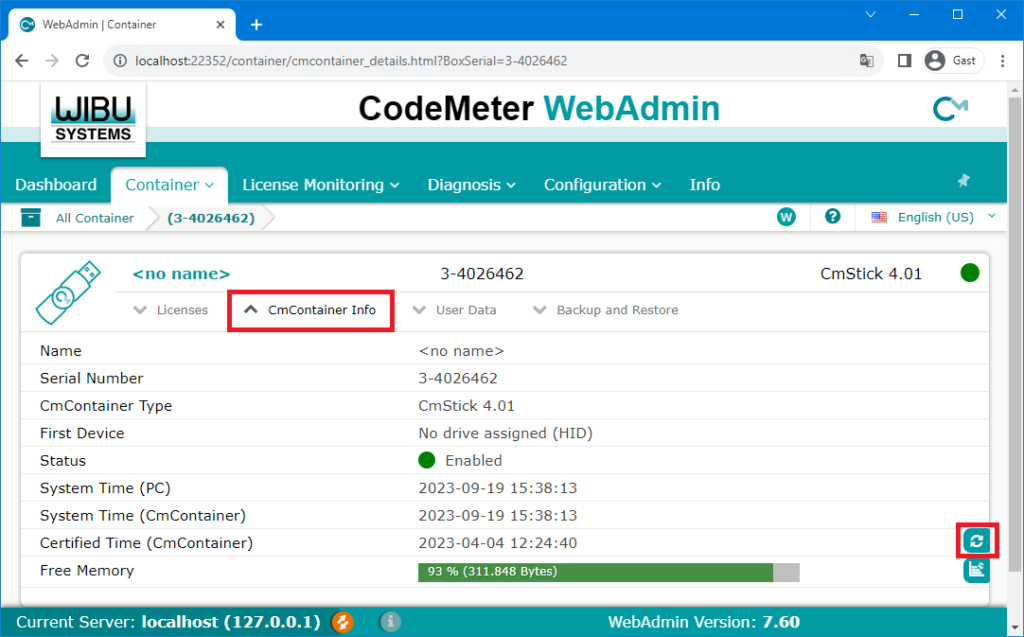
Update the time certificate of the dongle go to the menu «CmContainer Info» and click on the update-button.

In the CodeMeter WebAdmin, a license with valid expiry date is displayed in red. While it should be written in black.
Update the time certificate of the dongle go to the menu «CmContainer Info» and click on the update-button.
